






































































































































Remove logo in the online photo editor app
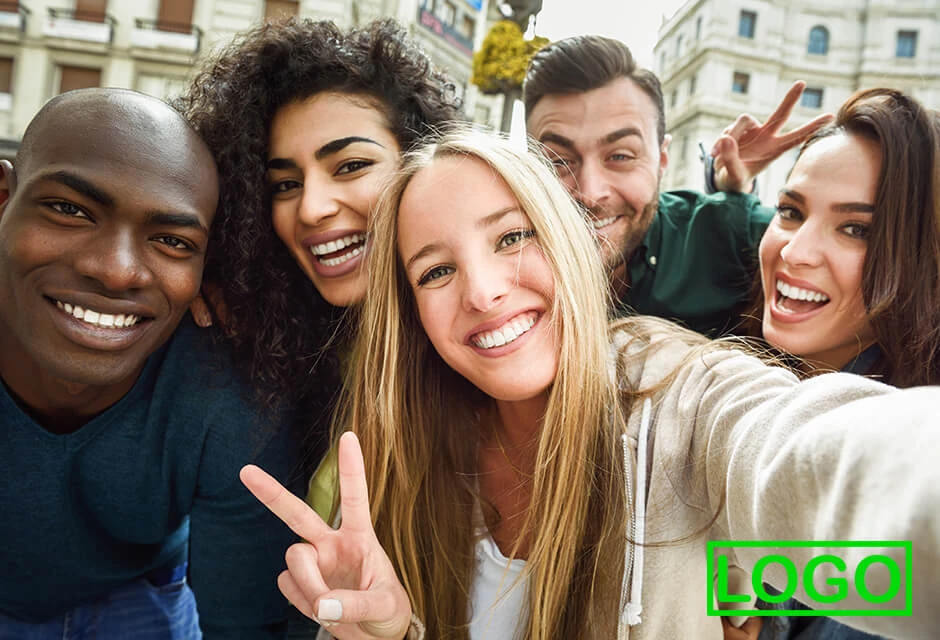
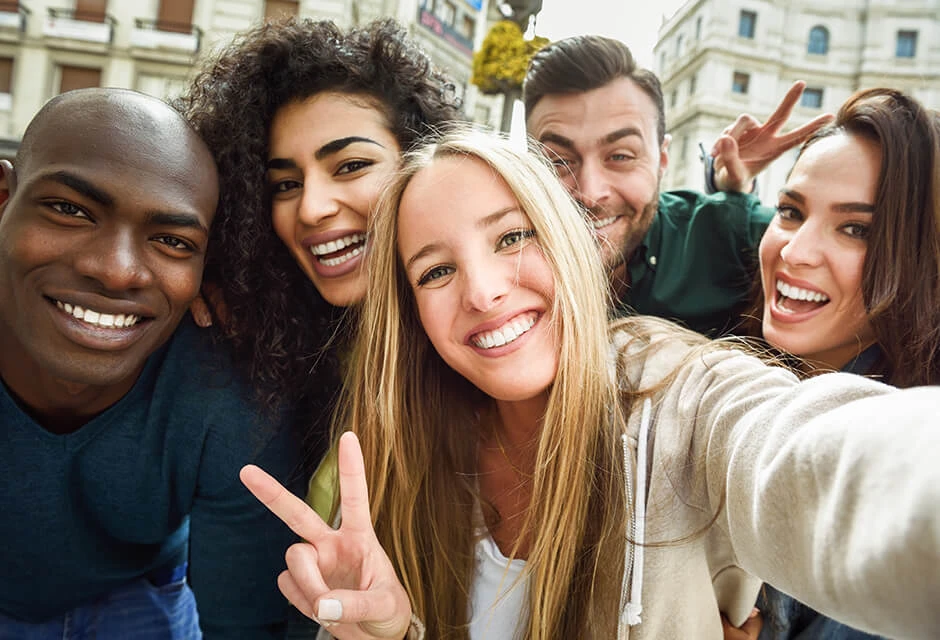


How to use the service “Remove Logo”
The RetouchMe application is available on iOS and Android platforms. You can download it from the Apple App Store, Google Play or Amazon App Store.
- Launch or download the RetouchMe application.
- Select a photo from your gallery that you want to use the “Remove Logo” service on.
- Choose the category “Photo”.
- In this category, select the desired service “Remove Logo”.
- Price of the “Remove Logo” service: 20 ⭐.
- Use your finger to select the area on the photo where you want to apply the desired service “Remove Logo”.
- After selecting the services you want to use for the photo, click on the "Proceed" button.
- Review your order once again and click "Send to designer."
Pros and cons of "Remove Logo" service in photo editor
 RetouchMe
|
Free Photo editor | Online Photo Editor | AI Photo Editor | |
|---|---|---|---|---|
| Difficulty of use |
Simple
RetouchMe allows you to press one or multiple buttons to achieve great results with the "Remove Logo" service.
|
Simple
Free Photo editor allows you to press one or multiple buttons to achieve great results with the "Remove Logo" service.
|
Simple
Online Photo Editor allows you to press one or multiple buttons to achieve great results with the "Remove Logo" service.
|
Simple
AI Photo Editor allows you to press one or multiple buttons to achieve great results with the "Remove Logo" service.
|
| Retouching quality |
Good
RetouchMe allows you to achieve good retouching results with the "Remove Logo" service.
|
Bad
Free Photo editor does not allow you to achieve good retouching results with the "Remove Logo" service.
|
Good
Online Photo Editor allows you to achieve good retouching results with the "Remove Logo" service.
|
Good
AI Photo Editor allows you to achieve good retouching results with the "Remove Logo" service.
|
| Time to edit |
Fastest
RetouchMe allows you to spend less than 1 minute on editing for the "Remove Logo" service.
|
Slow
Free Photo editor does not allow for quick editing of the "Remove Logo" service.
|
Medium
Online Photo Editor allows you to spend 5-10 minutes on editing for the "Remove Logo" service.
|
Fast
AI Photo Editor allows you to spend 3-5 minutes on editing for the "Remove Logo" service.
|
| Naturalness |
Good
RetouchMe allows you to achieve a naturally acceptable result with the "Remove Logo" service.
|
Bad
Free Photo editor does not allow you to achieve a naturally acceptable result with the "Remove Logo" service.
|
Good
Online Photo Editor allows you to achieve a naturally acceptable result with the "Remove Logo" service.
|
Good
AI Photo Editor allows you to achieve a naturally acceptable result with the "Remove Logo" service.
|
- Remove logo photo editor
- Features of the Remove Logos from Photos app
- Feature-rich watermark remover
- How to remove watermark from picture
- Easy watermark removal app
- Quick logo remover app
- Remove watermarks from pictures with an iPhone or Android
- Privacy and support
- Conclusion
Remove logo photo editor
If you've ever had problems with watermarks on images you'd like to use as a resource for editorial purposes but don't know how to get rid of them, we have a solution for you - the RetouchMe app. This service will help you remove watermark from image with help from professional designers. Let's explore this feature and the service it is based on.
Features of the Remove Logos from Photos app

A watermark also known as a logo, text, or pattern that is superimposed onto an image is made to identify the creator, owner, or distributor and to discourage its unfair usage. However, not many people know how they can fairly use these assets in their editing jobs. RetouchMe offers a convenient solution to that issue allowing you to remove logos from pictures with ease. Our professional editors make sure to remove any logos or watermarks precisely without spoiling the main image. So that you can safely post it on social media and no one can tell if any alterations were done to the image or if it is original.
RetouchMe watermark remover features to explore:
- Feature-rich app
- Easy to use for anyone
- Professional editors
- Compatible with most devices and OS
- Quick results
RetouchMe is not just another application that delivers nothing but a headache, let us explore the listed features and how they are incorporated.
Feature-rich watermark remover
When you seek specific apps, you may come to an issue with clogged phone memory over time. You may have a lot of editorial tasks to perform, and having multiple apps for that is not an optimal solution. This messes up not just with your storage space, but also with your workflow. Having an all-inclusive solution might help to resolve that. RetouchMe is a feature-rich app that allows you to remove logos from photos along with over 250 other services to enhance your images. Here you will find everything you may possibly need to use for editorial purposes including the watermark remover feature.

How to remove watermark from picture
As we mentioned the multitude of services, it is essential to make it accessible with simple navigation within the app. To find the feature navigate to Categories, find the ‘Photo’ category → Remove logo service is inside among the others for Photo edits. The application’s user-friendly interface allows people of any smartphone skills to access the service. Simply apply the watermark removal service to clear your image of any logos or restrictions.

Easy watermark removal app
When it comes down to the app’s interface, here you will not have to have any editing skills or learn tutorials on how to use such comprehensive software as Photoshop. We have a team of professional editors who perform manual retouching when you order any of the services offered by the app. This stands for precision quality results, unlike most market apps. The human touch considers photo properties to a high extent compared to the automated AI approach that may spoil the image. Meticulously working pixel by pixel, our skilled editors make sure to deliver the results you expect in just a couple of taps on your phone’s screen.
Quick logo remover app
Having that professional approach of manually rendering a photo to remove any watermarks, it is fair to note that it takes some time. Usually, it is about 5 to 15 minutes on average, depending on the job’s complexity. So, all you have to do is apply the watermark removal service in the app, and our editors will do the rest appreciating your time. The service is available 24/7 any day, so it doesn’t matter if you send us just one or a hundred images at once, our team will provide the same quality results.
Remove watermarks from pictures with an iPhone or Android
RetouchMe with all its services, including the logo remover is available for free downloading from the App Store and Google Play marketplaces. It is compatible with Android and iOS devices, be it tablets or smartphones, so you can conveniently use it in any way you prefer. As you download and install RetouchMe, make sure to provide the app the access it requests for optimal workflow and your device integration.
Privacy and support
Many people have concerns about their privacy while using online services to edit their photos. RetouchMe policy restricts any leaks by completely removing any assets sent with the customer order after the job is done. This prevents any third parties involved and safeguards our customer’s base privacy. If you have any queries about your order or the application workflow, our customer support is ready to answer any questions 24/7 online.
Conclusion
Waste no time manually editing photos and use the ReouchMe logo remover found in the ‘Photo’ category. Get the benefits of our feature-rich application that is good for any photo editing purposes be it photo enhancements, logo removal, individual corrections, or slight adjustments to your face/body look. Now you have an all-inclusive photo app with the power of professional editors available on top of your fingertips at any time!





Co-founder of RetouchMe. In addition to business, he is passionate about travel photography and videography. His photos can be viewed on Instagram (over 1 million followers), and his films can be found on his YouTube channel.
Moreover, his profile is featured on the most popular and authoritative resource in the film industry — IMDb. He has received 51 international awards and 18 nominations at film festivals worldwide.